A lot of trekkers assume they can stay connected throughout the Pikey Peak route because it is shorter and less remote than some of Nepal’s famous high-altitude treks. In reality, Mobile Network and Wi-Fi Availability on Pikey Peak Trek can be unpredictable, and that matters if you need to update family, check the weather, manage work messages, or keep your navigation apps usable.
Pikey Peak is not one of Nepal’s most isolated treks, but it still passes through hill villages, forest sections, ridgelines, and lodges where signal strength changes quickly with altitude, weather, and your exact room location. You may get a clear mobile signal in one village and lose it completely an hour later. That is normal on this route.
For most trekkers, the practical question is not whether there is any network at all. The better question is where it works, how reliable it is, and what backup plan you should have when it does not.
How reliable is the mobile network on the Pikey Peak route?
Mobile coverage on the Pikey Peak trek is available in many settled sections, but it is not consistently strong from start to finish. Nepal Telecom and Ncell are the two main providers used by trekkers in Nepal, and both may work on parts of the route. In general, Nepal Telecom often performs better in hill and mountain areas, but local conditions matter more than brand preference alone.
On the lower approach sections and around larger villages, you usually have a better chance of finding a usable signal for calls, basic messaging, and occasional mobile data. As you move higher or into more exposed stretches, the signal may weaken or disappear. Even where there is coverage, data speed can be slow enough that uploading photos, making video calls, or loading maps becomes frustrating.
This route does not offer the kind of stable connectivity you would expect in Kathmandu or other major towns. If your trip depends on frequent communication, you should treat mobile service as helpful when available, not guaranteed.
Mobile Network and Wi-Fi Availability on Pikey Peak Trek by area
Coverage changes from village to village, so it helps to think of the trek in sections rather than expecting one clear answer for the whole route.
Lower trail and access points
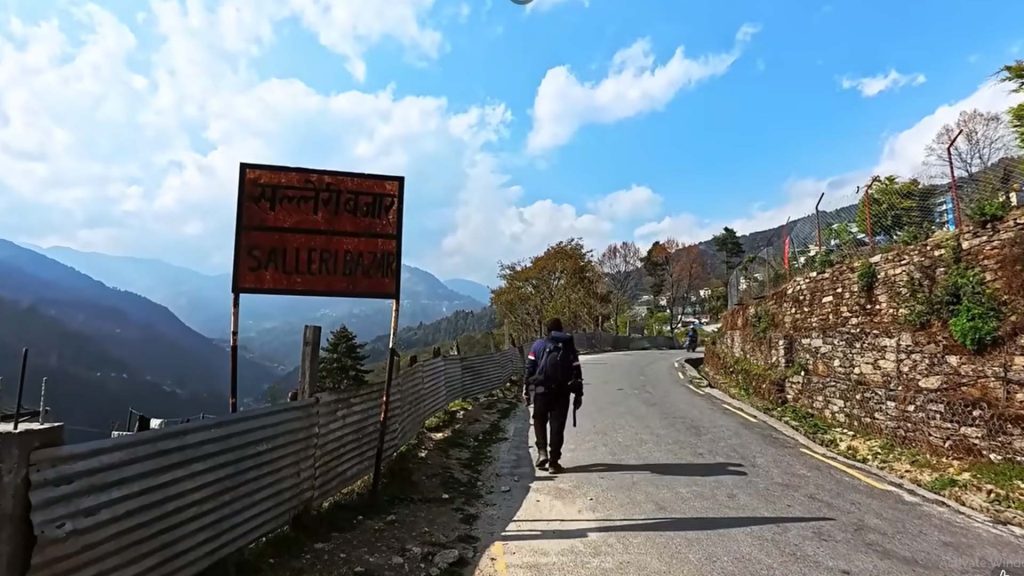
If you begin from the road-connected side near the lower villages, mobile service is usually easier to find before the main ascent begins. In these sections, calls and text messages often work, and basic internet may also be available if the weather and tower load are favorable.
This is a good time to send updates, download offline maps, and check any last transport details. Once you start climbing deeper into the trekking route, connectivity becomes less dependable.
Mid-route villages and lodge areas
Many trekkers spend nights in villages such as Jhapre or other lodge stops along the standard route. In these places, a mobile signal may be present but variable. Sometimes you can make a call from the courtyard or rooftop but not from your room. At other times, you may only get enough signal for WhatsApp text messages and not for voice calls.
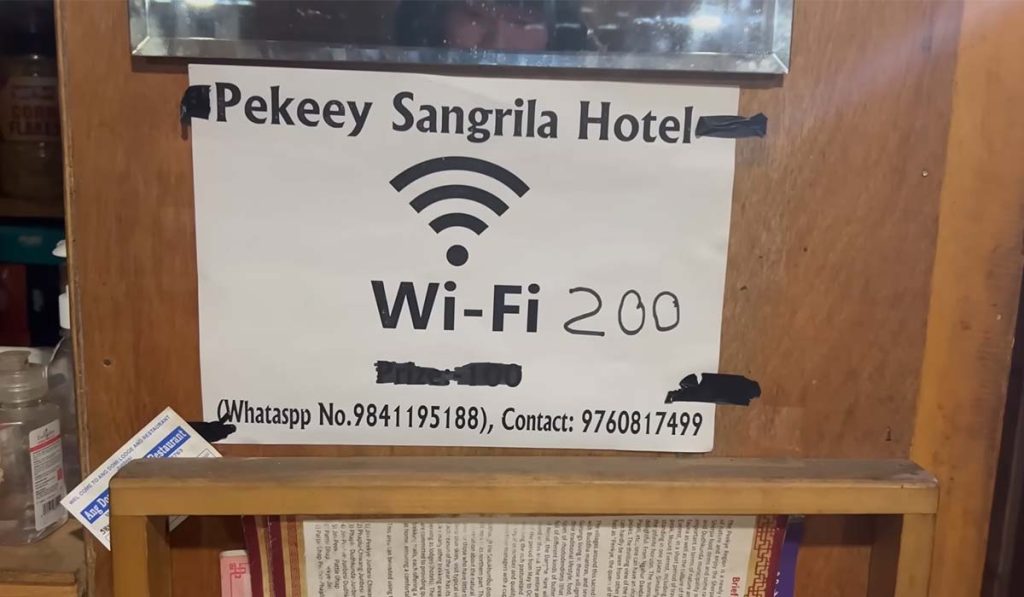
This is also where some tea houses may offer Wi-Fi, but availability does not always mean good performance. In mountain lodges, Wi-Fi often depends on a shared connection that can be weak, weather-affected, or turned off during power issues.
Higher sections near Pikey Base Camp and the summit area
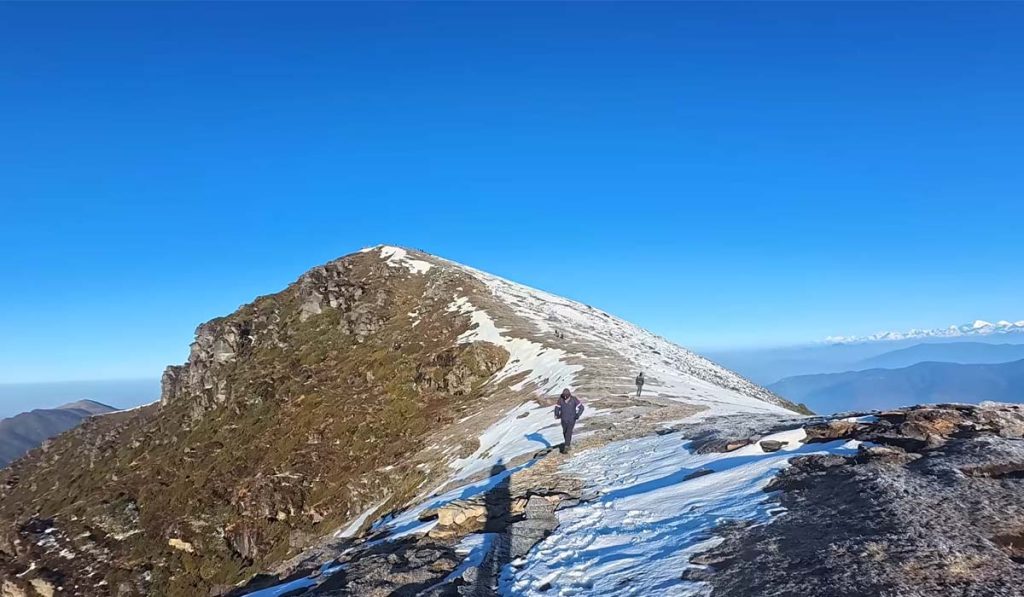
As you approach the upper part of the trek, coverage becomes more uncertain. Around base camp areas and exposed ridges, you may catch a signal in open ground, but it is not something to depend on. Summit mornings are about views, weather, and timing, not reliable internet access.
If you do get a network near the higher points, it may be brief and inconsistent. A message might go through, then nothing works for the next hour. That does not mean there is a problem with your phone. It is simply how mountain coverage behaves.
Is Wi-Fi available in tea houses?
Yes, Wi-Fi may be available in some lodges on the Pikey Peak route, but you should keep your expectations realistic. Unlike heavily commercialized trekking routes, Pikey Peak has fewer accommodations with standardized internet service. Some tea houses offer Wi-Fi when they have enough power and a functioning connection. Others may not offer it at all.
Even when Wi-Fi is available, it is often slower than mobile data in places where the mobile network is strong. It may be enough for messaging, checking emails, or confirming travel plans, but not ideal for streaming, cloud backup, or long video calls.
There is also the question of cost. Some lodges include Wi-Fi with your stay, while others charge separately. In the mountains, paid Wi-Fi does not always mean fast Wi-Fi. You are paying for access, not performance.
What affects signal strength on this trek?
Terrain is the biggest factor. Hills, ridgelines, dense forest, and valley orientation all affect whether your phone can connect to a tower. Two places that look close on the map can have very different signal quality.
The weather also plays a role. On clear days, reception may be better in exposed areas. During storms, heavy clouds, or strong wind conditions, service can become weaker or more unstable. This is especially noticeable with data.
Power supply matters too. In some villages, charging systems rely on local power conditions, and Wi-Fi routers may not operate consistently. If a lodge has limited electricity that evening, internet service may be switched off or prioritized differently.
The time of day can make a difference as well. When more guests try to connect in the evening, the already limited bandwidth gets shared among more users. A connection that feels usable in the afternoon may become very slow after dinner.
Best option: Nepal Telecom or Ncell?
For Pikey Peak, many local guides and trekkers lean toward Nepal Telecom for better chances of mountain coverage. That said, Ncell can still work in several sections and may perform well in some villages. There is no universal winner for every day of the trek.
If staying connected is important, the safest approach is to ask locally which SIM currently performs better on that route and in that season. Network conditions can change with maintenance, weather patterns, and infrastructure updates.
For most international trekkers, buying a local SIM before leaving Kathmandu is the practical choice. Make sure your phone is unlocked, your data settings are working, and you have topped up enough balance in advance. Do not assume you can easily manage recharge or technical setup once you are already on the trail.
Practical tips for staying connected
If communication matters on your trek, plan for limited service rather than hoping for strong service. Download offline maps before departure. Save digital copies of permits, passport details, travel insurance, and transport bookings on your phone. Let family know that no updates for a day or two may simply mean a weak network, not a problem.
Carry a power bank with enough capacity for several charges. On colder mornings and high sections, batteries drain faster than many trekkers expect. Keeping your phone warm inside your jacket helps preserve battery life.
It also helps to send messages when you do have a good signal instead of waiting. If you reach a village with stable coverage, use that moment for updates, route checks, and any essential communication.
Trekkers who need stronger reliability for safety, professional photography coordination, or urgent work should consider carrying an additional backup such as a satellite communication device. That is not necessary for most people on Pikey Peak, but it is worth thinking about if your communication needs are non-negotiable.
What trekkers should realistically expect
Pikey Peak is one of those routes where you can stay in touch, but not on your own schedule. Some days, you may have enough signal to send photos and call home. Other days, you may only catch a brief mobile connection outside a lodge, or nothing at all until the next village.
That uncertainty is part of trekking in Nepal. The route is accessible enough that communication is often possible, yet remote enough that you should not build your itinerary around perfect coverage. If you prepare for patchy service, the connectivity you do get will feel useful rather than disappointing.
For most trekkers, that is the right mindset on Pikey Peak: carry a local SIM, use Wi-Fi when available, keep your phone charged, and treat every good signal as a bonus rather than a promise.